
Industry-Leading Software
A Smarter Solution for Structural Calculations
Maximize productivity and minimize errors with the industry leader in intuitive, structural calculation software.

Trusted by thousands of architects, engineers and construction professionals




Structural Design Calculations Made Simple

Increase Your Productivity
Let StruCalc save you time on structural calculations and help you do more of what you do best.

Maximize Accuracy & Compliance
StruCalc delivers accurate calculations according to industry best practices that meet IBC and NDS code.

Streamline Permit Approval
Designed according to industry best practices, our detailed reports are purposefully structured to accelerate permit approvals.
Design Faster, Build Better, Do More
Let StruCalc save you time and help you do more of what you do best.
-
Automated Member Sizing
- Simply input your loads and let StruCalc determine the most efficient size of your beam, footing, and more!
-
Quick Calcs
- Wondering whether you could get away with a smaller beam? Use our pre-configured calculators to get quick calcs for hundreds of common applications.
-
Expert Help
- When you need quick help from our veteran team of support engineers, we’re just a click or call away.




Ensure your engineering calculations are future-proof
Compliance With The Latest Standards
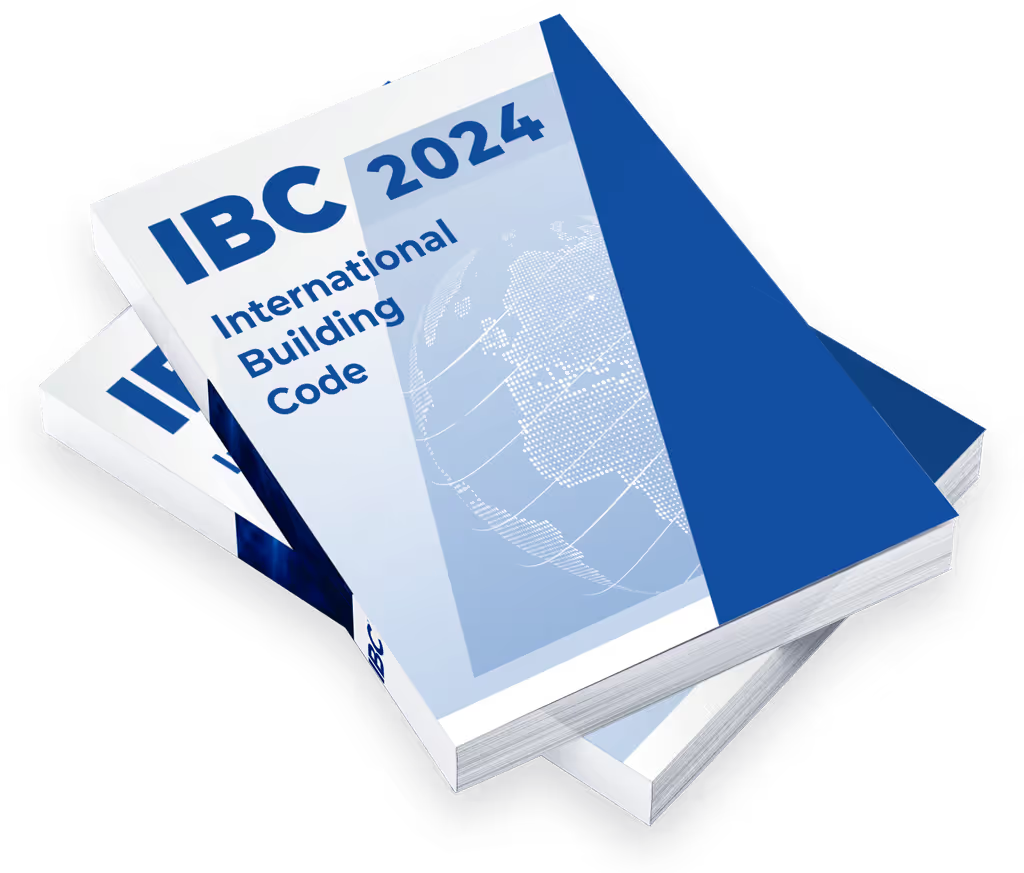
StruCalc is built to meet the latest engineering and construction standards, ensuring every calculation aligns with current codes and best practices.
- • 2024 IBC
- • ASCE 7-22
- • 2024 NDS (Wood)
- • AISC 360-16 (Steel)
- • AISI 2015 (Cold-Formed Steel)
- • ACI 318-19 (Concrete)
- • TMS 402/602-16 (Masonry)
Saving you time with
Quick Calculations & Permit Ready Reports
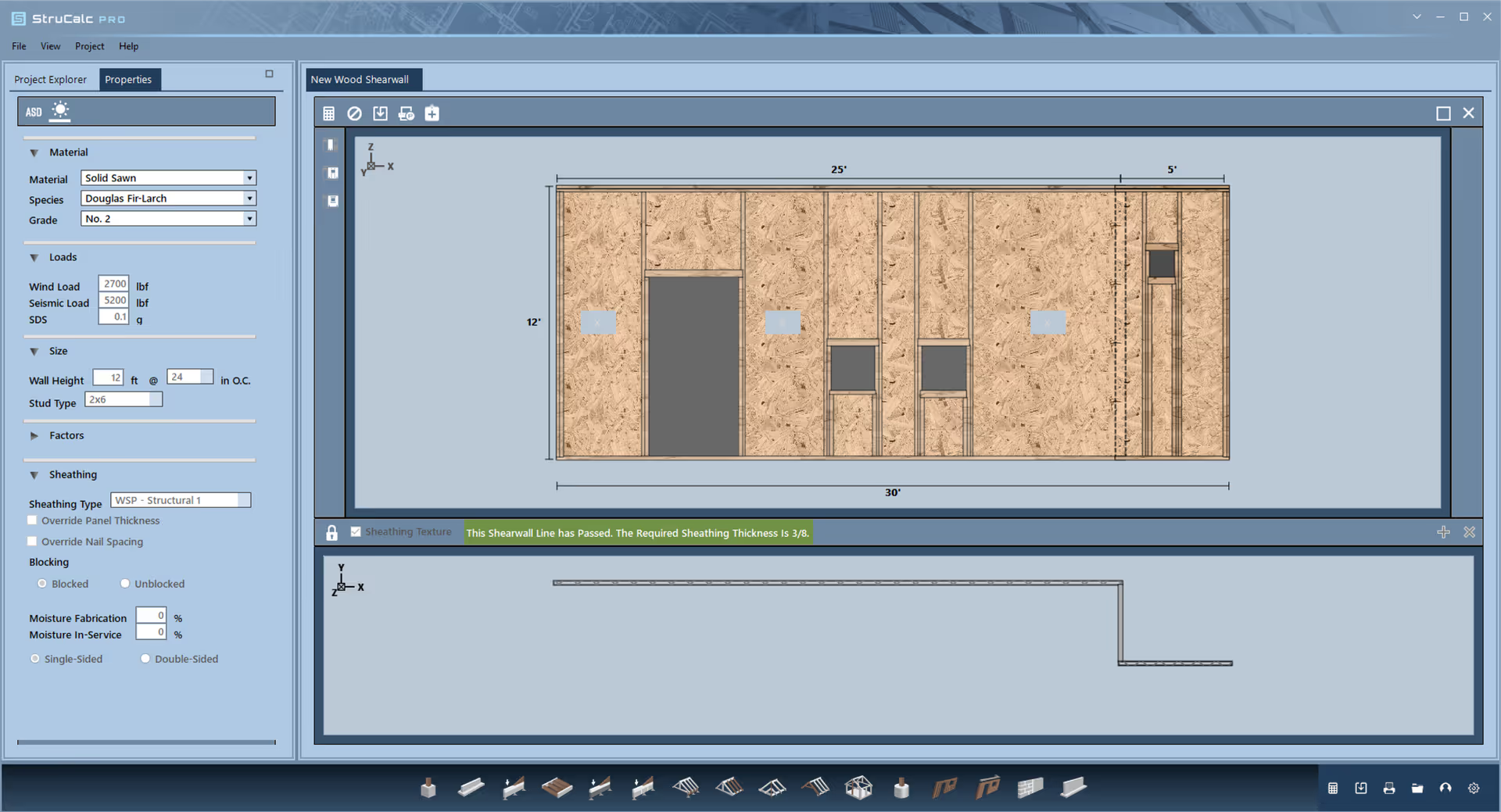
With a library of built-in use cases and a robust report generation engine, StruCalc gets you the answers you need quickly and gives permit reviewers the detail they’re looking for.
Powerful tools for complex analysis
Dynamically Track Linked Load Paths
When loads are changed, calculations are automatically updated, saving you time and accurately identifying issues. Let StruCalc do the heavy lifting for you!

Have You Heard About Our New Pro Rewards Program?
StruCalc now offers a Rewards program that gives Pro users access to exclusive negotiated discounts from stores and services for both business and personal use. From 25% off at Sherwin Williams to 10% off license management services with Harbor Compliance, your savings can easily cover the cost of your StruCalc subscription.

Why Choose StruCalc?
Fast, Intuitive User Interface
Our straight-forward UI is designed for efficiency, making complex structural calculations easy to navigate with minimal learning curve—so you can focus on design, not deciphering software.
Personalized Onboarding & One-On-One Support
When you need help getting started or expert advice on a complex application, our veteran team of support engineers are just a click or call away.
Extensive Application & Material Database
With hundreds of real-world use cases and a library of common construction materials, StruCalc provides everything you need in one powerful platform.
Now Offering PDH Courses
Join our community to get great deals on quality PDH courses or get our StruCalc Pro with PDH annual subscription to get 15 PDH hours included with StruCalc Pro.

Pricing & Feature Comparison:
| Top-tier differences: |
StruCalc Pro: $89.97/mo |
Calcs.com: $119/mo |
ENERCALC: $199/mo |
|---|---|---|---|
| Personalized Onboarding | |||
| 1:1 Engineering Support | |||
| 2024 IBC | |||
| User Themes | |||
| Concrete Beams | |||
| Masonry Beams | |||
| Wood Shearwalls | |||
| 2024 NDS | |||
| 2021 IBC | |||
| 2018 IBC | |||
| 2018 NDS | |||
| Imperial Units | |||
| Concrete Columns | |||
| Steel | |||
| Solid Sawn | |||
| I-Joists | |||
| Glulams | |||
| Structural Composite | |||
| 24+ Load Combinations | |||
| LRFD | |||
| ASD | |||
| Beam & Joist Spans | |||
| Live & Dead Loads | |||
| Isolated Footings | |||
| Continuous Footings | |||
| Collar Ties | |||
| Embedded Posts | |||
| Hip & Valley Beams | |||
| Flitch Beam | |||
| Stud Walls | |||
| Wind, Snow, & Seismic Loads | |||
| Advanced Footing Loads | |||
| Out of Plane Loading | |||
| Multi-span Columns | |||
| Bearing Walls | |||
| Retaining Walls | |||
| Linked Load Tracking | |||
| Beam Analysis | |||
| Wall Analysis | |||
| Masonry Columns | |||
| Concrete Walls | |||
| Masonry Walls | |||
| Wood Hangers | |||
| Curved Glulams |
Packed with Features
Best pricing in the industry
No one else offers as many features as StruCalc. Get more for your money and join thousands of architects and engineers that have chosen StruCalc as their partner for structural calculation software.